You don't need a big software budget to use AI in your business. Some of the most useful tools are free, or have a free plan that covers a small team just fine.
The trick is knowing where the free plan stops. We went through the popular options and checked what you actually get for nothing. Here are 12 that are worth your time in 2027.
How We Picked These
- Truly free to start. No credit card and no 7 day trial that quietly turns into a bill
- Useful on the free plan. You can do real work before you hit a limit
- Small business jobs. Writing, research, meetings, customers, marketing and admin
- Easy to learn. You should get value in the first hour
The 12 Tools at a Glance
| Tool | Good for | What the free plan gives you |
|---|---|---|
| ChatGPT | Writing, ideas and everyday questions | Free plan with limited use of the newest model |
| Claude | Long documents, files and careful writing | Free plan with limited use every 5 hours and each week |
| Google Gemini | Help inside Gmail, Docs and Search | Free with a Google account |
| NotebookLM | Research from your own files | Free with a Google account |
| Perplexity | Research with sources | Free searches, with limits on advanced ones |
| Canva | Graphics and social posts | Free plan with limited AI features |
| CapCut | Short videos with auto captions | Free editor, with paid AI extras |
| Otter.ai | Meeting notes and transcripts | 300 transcription minutes a month |
| HubSpot CRM | Contacts, deals and follow ups | Free tools for up to 2 users |
| Zapier | Connecting your apps | Free plan with two step Zaps |
| Grammarly | Clean, clear writing | Free spelling, grammar and tone checks |
| Clean-Emails | Cleaning your email list | 5,000 free credits at signup |
1. ChatGPT
ChatGPT is the all rounder. Draft emails, rewrite product descriptions, brainstorm promotions, summarize a long contract or plan your week.
Free plan limited access to the newest model, then it falls back to a lighter one until your limit resets.
Best tip give it context. Paste your price list or a few past emails first, then ask. The answers get far more useful.
2. Claude
Claude is great with long documents and careful writing. Upload a supplier agreement, a spreadsheet or a long report and ask what matters. It also writes in a calmer, more natural voice than most.
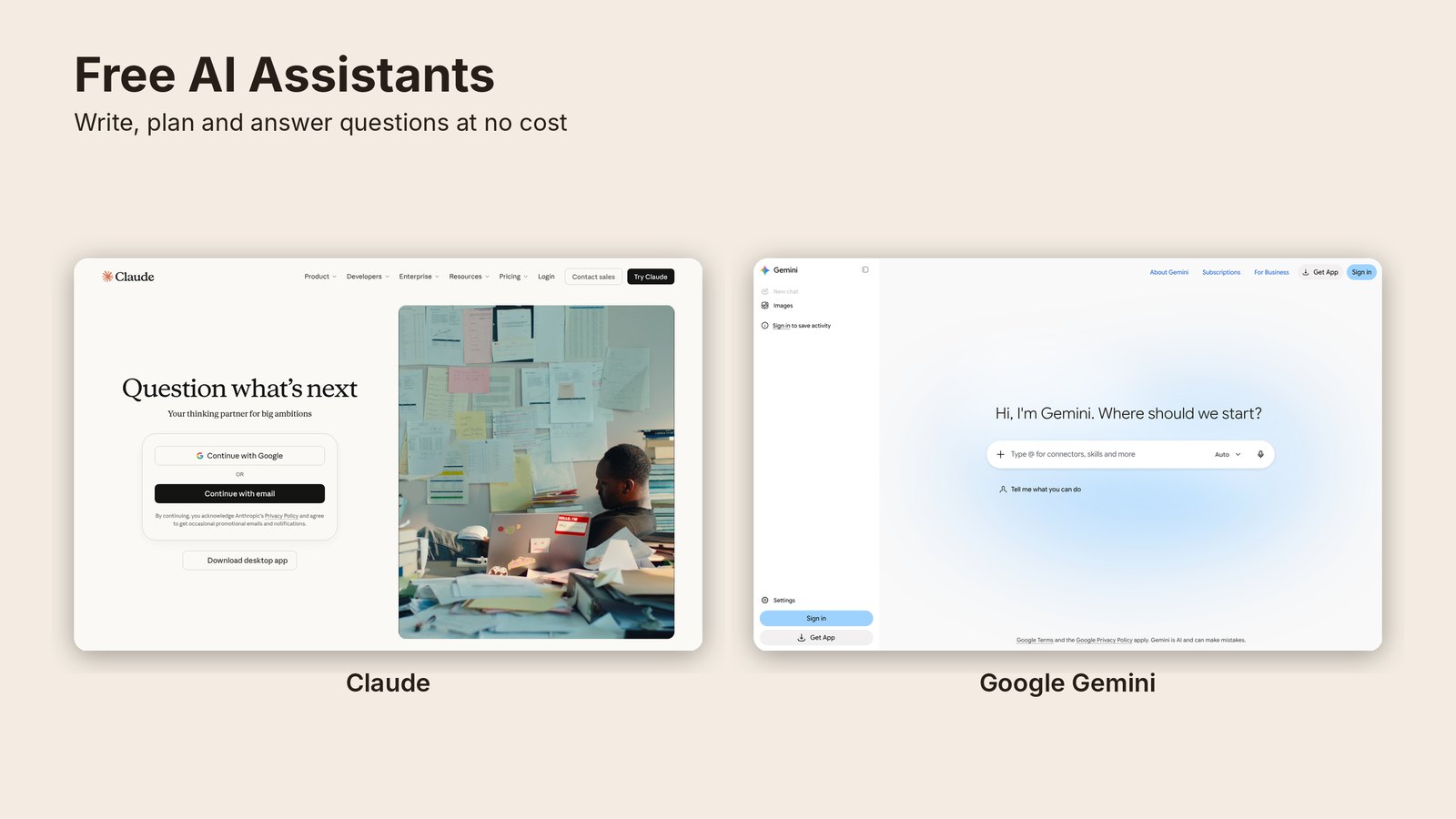
Free plan chat on web, desktop and phone, file uploads and web search, with usage limits that reset every 5 hours and each week.
Best tip ask it to check your work. "Read this quote and tell me what a customer might find confusing" catches mistakes before they cost you.
3. Google Gemini
If you run your business on Gmail and Google Docs, Gemini is right there. It drafts replies, summarizes long threads and helps you write inside Docs.
Free plan free with a Google account. Some workspace features need a paid Google Workspace plan.
Best tip ask it to summarize a long email thread before a call. You walk in knowing what was agreed and what's still open, without rereading 30 messages.
4. NotebookLM
NotebookLM, which Google now also calls Gemini Notebook, answers questions using only the files you give it. Upload your policies, product manuals or meeting notes, and ask away. Every answer points back to the source.
Free plan free with a Google account.
Best tip build a notebook of your customer FAQs and product sheets. New staff can ask it questions instead of interrupting you.
5. Perplexity
Perplexity is a search engine that answers with sources. Use it to check a competitor's pricing, look up rules for your industry or research a new market, and click through to confirm.
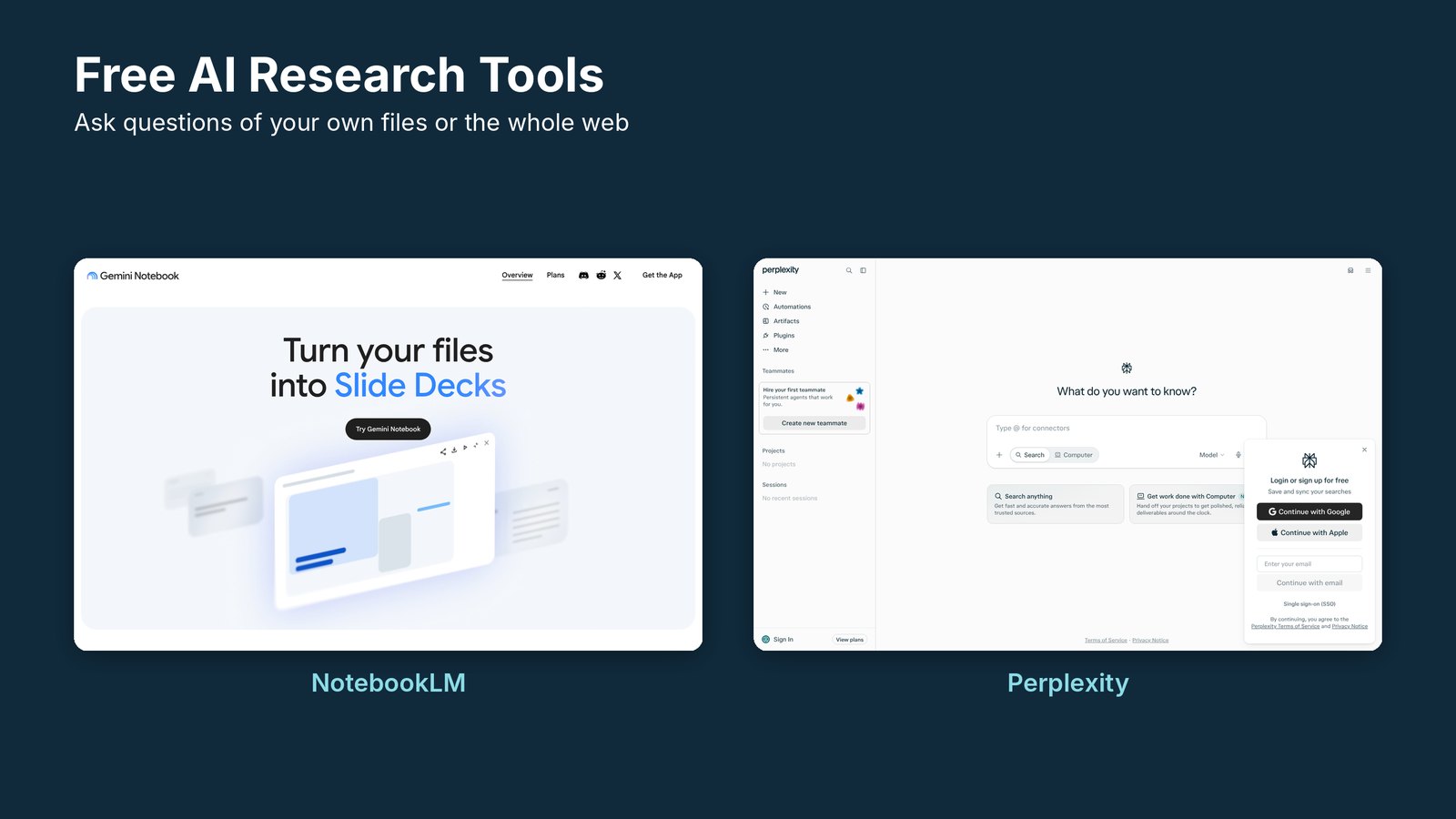
Free plan free searches, with daily limits on the deeper research modes.
Best tip use it before you buy anything for the business. Ask it to compare three suppliers or software options and list the trade offs, then open the sources it cites and check the details yourself.
6. Canva
Canva's free plan covers social posts, flyers, menus and simple ads, with some AI tools like text to image and Magic Write included in limited amounts.
Free plan thousands of templates and basic AI features. Background removal and brand kits need Pro.
Best tip set up one template for each kind of post you make often, like a sale, a new product or a customer review. Next time it's a two minute job instead of twenty.
7. CapCut
Short videos sell. CapCut's free editor adds auto captions, templates and simple effects, so you can turn a phone clip into a Reel in minutes.
Free plan the core editor and auto captions. AI video generation and some effects cost extra.
If you post on YouTube, Teknikforce's own Tuberank Jeet has a free version that helps you pick topics and keywords people search for.
8. Otter.ai
Otter joins your Zoom, Teams or Google Meet calls, writes the transcript and gives you a summary with action items. No more frantic note taking during sales calls.
Free plan 300 transcription minutes a month, live transcription and AI chat about your meetings.
Best tip after a sales call, ask Otter to list every question the customer asked. Over a month, those lists tell you exactly what to put on your website and in your sales emails.
9. HubSpot CRM
Still tracking customers in a spreadsheet? HubSpot's free CRM keeps contacts, deals, emails and tasks in one place, and its AI helps write emails and summarize records.
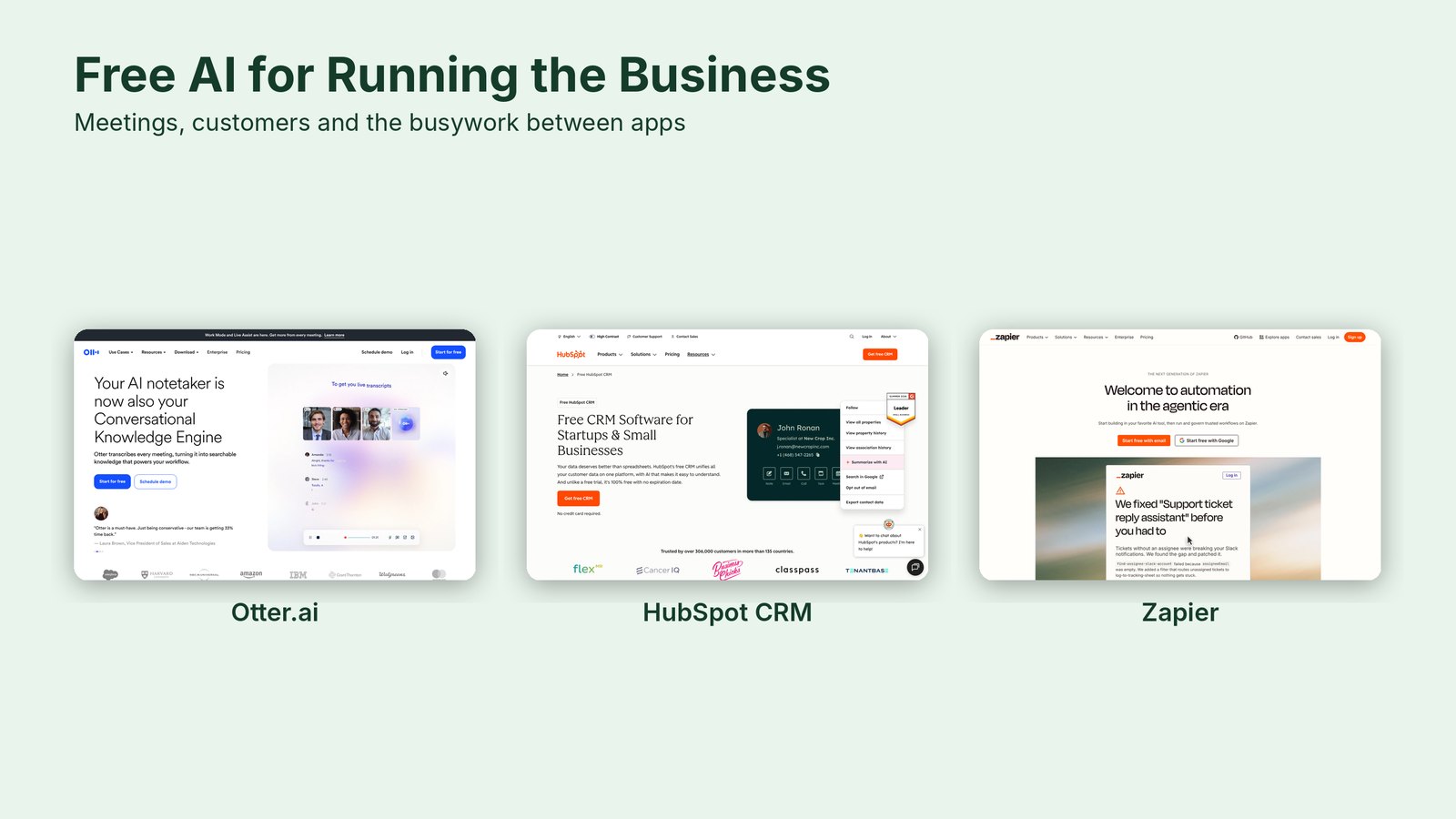
Free plan free tools for up to 2 users, with no credit card needed.
Best tip log every lead the day it comes in, even if it's only a name and a phone number. The free CRM is only useful if it's the one place you look, and it pays off the first time a forgotten follow up turns into a sale.
10. Zapier
Zapier connects the apps you already use. New form entry goes to your CRM. New order sends a thank you email. New review posts to Slack. Its AI helper builds the automation from a plain English description.
Free plan unlimited two step Zaps with a monthly task limit.
We go deeper on this in how to automate small business marketing with AI.
11. Grammarly
Grammarly fixes spelling, grammar and tone in emails, proposals and posts. It works in your browser, so it catches mistakes wherever you type.
Free plan spelling, grammar and basic tone suggestions. Full sentence rewrites need Pro.
Best tip turn on the browser extension and leave it running. It quietly catches the small slips in customer emails and invoices that make a business look careless.
12. Clean-Emails
Your email list is one of your most valuable assets, but old and fake addresses quietly hurt your sender reputation. Clean-Emails, from Teknikforce, checks every address and tells you which are safe to send to.
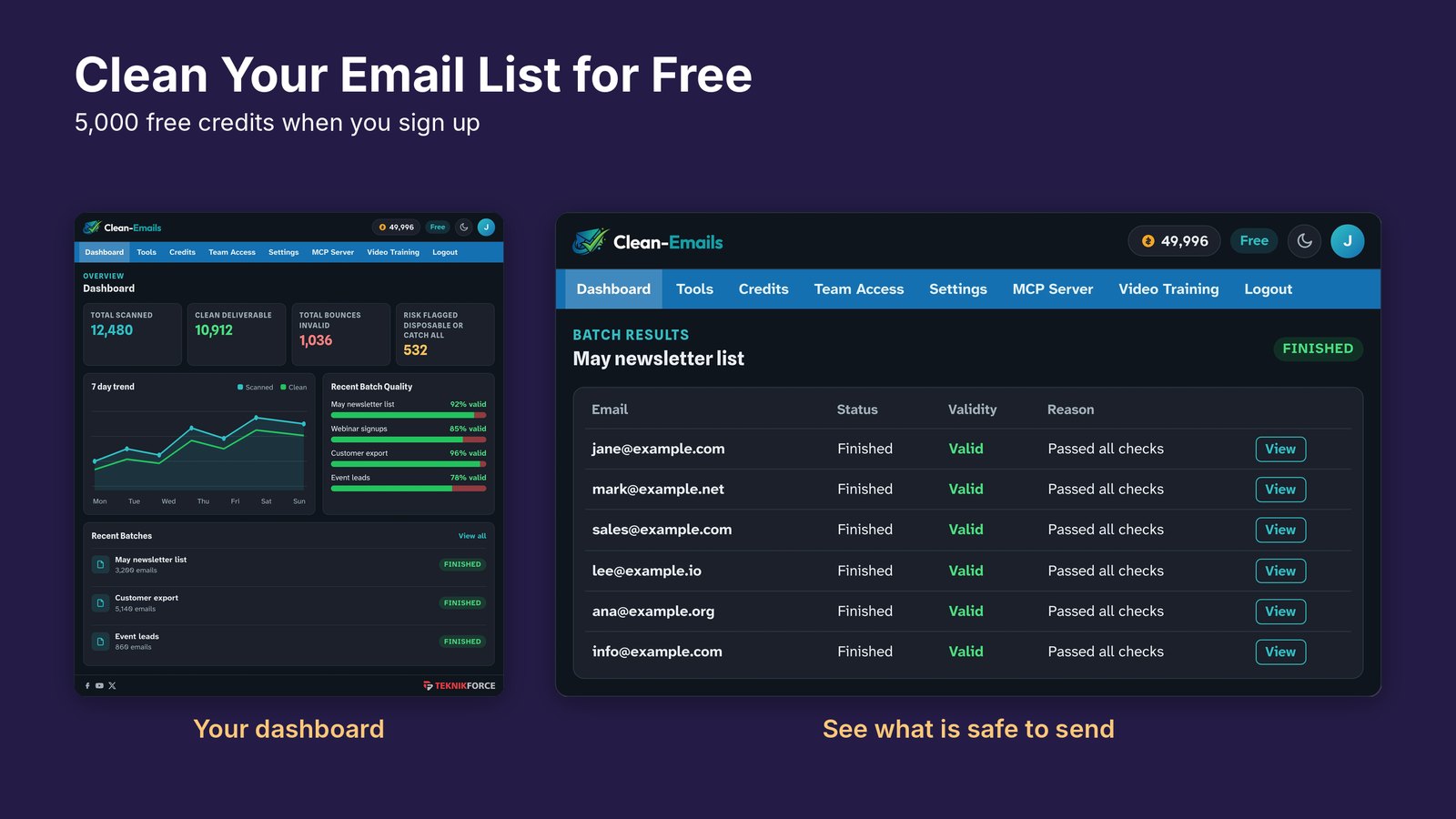
Free plan 5,000 free credits when you sign up, plus free tools to check blacklists and your email setup.
A Free AI Stack for a Small Business
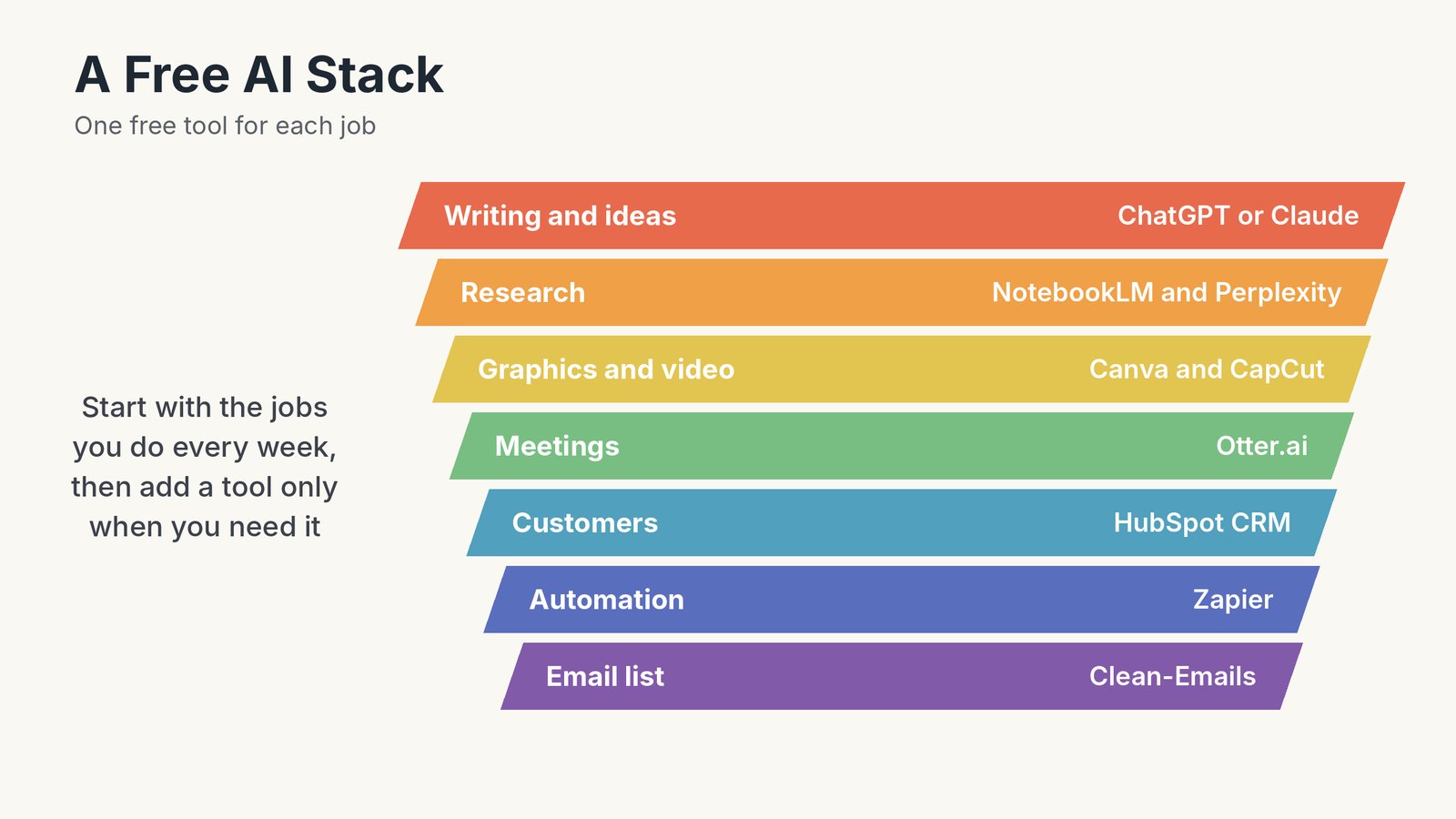
You don't need all twelve. Here's a simple stack that covers most of the day to day for nothing.
Where Free Plans Run Out
Free plans are generous, but they have limits on purpose. Watch for these.
- Usage caps. Chat tools slow down or switch models when you hit a limit
- Team seats. Many free plans cover one or two users only
- Commercial features. Brand kits, exports and integrations are often paid
- Your data. Read how each tool uses what you upload, especially customer details
A good rule is to upgrade only the one tool you use every day and hit limits on. Keep the rest free.
Free plans also change. Tools move features between plans, lower limits or raise them, sometimes with little notice. Check the pricing page of any tool your business depends on every few months, so a change doesn't catch you in the middle of a busy week.
And keep a copy of anything important outside the tool. Export your CRM contacts, save your best prompts in a document and download the transcripts you need. If a free plan ever goes away, you won't lose the work you put into it.

Which Free Tools Fit Your Business
Every business is a little different, so here's a quick guide by type.
- Shops and cafes. Canva for menus and posts, CapCut for short videos, and ChatGPT for product descriptions and replies to reviews
- Service businesses. Otter for client calls, HubSpot to track leads and Claude to write quotes and proposals
- Online sellers. Perplexity to research products and prices, Zapier to connect your store to email and Clean-Emails to keep your customer list healthy
- Consultants and coaches. NotebookLM for your notes and course material, Gemini inside Gmail and Grammarly for polished client emails
You'll notice the same few tools keep coming up. That's a good sign. A general assistant plus two or three tools for your main jobs is all most small businesses need.
Keep Your Business Data Safe
Free tools are free for a reason. Some use your chats to improve their models unless you turn that off. Before you paste in anything sensitive, take five minutes with the settings.
- Turn off model training on your chats where the tool allows it
- Don't paste full customer lists, card details or passwords into any chat tool
- Use a business email for sign ups, not a personal one, so you keep control if staff change
- Write down which tools hold which data, so you know where to look if a customer asks
None of this is hard, and it saves a lot of worry later.
Getting Started This Week
Pick one job that eats your time, like answering the same customer questions or writing social posts. Try one tool on it for a week. If it saves you an hour, keep it and add the next.
If you're just starting out, our guide to starting an online business with AI covers the first steps. And when you're ready to grow, read how to get your first 100 customers online with AI.
Final Thoughts
Free AI tools can do real work for a small business. Writing, research, meeting notes, customer tracking and simple automation all have strong free options in 2027.
Start small, check the limits and only pay when a tool has clearly earned it. And if you want AI tools built for marketers and small businesses, take a look at the Teknikforce range.
FAQs
What is the best free AI tool for small business?
For most businesses, a general assistant like ChatGPT or Claude gives the most value. Add NotebookLM for research and Otter for meetings, and you've covered a lot.
Are free AI tools safe for business data?
Read each tool's privacy settings before uploading customer data. Many let you turn off training on your chats. Keep sensitive personal details out unless you're on a business plan with clear data terms.
Can free AI tools replace paid software?
Often for a while, yes. As you grow, you'll likely pay for one or two tools you use heavily, but the free plans are a great way to find out which.
Do I need technical skills to use these?
No. All of them work through simple chat boxes, templates or plain English instructions.
How many AI tools should a small business use?
Fewer than you think. Start with one general assistant and one tool for the job that takes most of your time. Add more only when you hit a clear need, otherwise you spend more time switching apps than working.
Which free AI tool should I try first?
Start with a general assistant like ChatGPT, Claude or Gemini. Use it for a week on the writing you already do, like emails, quotes and social posts. It's the quickest way to see how much time AI can save you, and it helps you spot which other tools on this list are worth adding next.
When should I upgrade to a paid plan?
When you hit the free limit most weeks and the tool is clearly saving you time or money. If you're paying for something you open once a month, cancel it and go back to the free plan.